Choosing the right kiosk solution can make daily operations smoother—and missteps in the process can lead to headaches, wasted money, and unhappy customers. Whether you’re upgrading your retail store, café, or service business in New Zealand, here are the top pitfalls to watch out for—and the best ways to avoid them.
1. Focusing Only on Price and Ignoring Value
It’s tempting to make kiosk choices based only on the upfront price, especially for growing businesses. But the cheapest option isn’t always the most cost-effective in the long run.
- Look beyond the sticker price: Consider maintenance costs, software updates, support, and hardware longevity.
- Ask about bundled features: Some affordable packages include software, setup, and training others charge extra for every add-on.
2. Overlooking Integration Capabilities
A kiosk solution that doesn’t “play nice” with your other business systems—POS, inventory, or accounting can cause more work than it saves.
- Check integration options: Make sure the kiosk can connect seamlessly with your existing POS and business tools.
- Ask for real examples: Request case studies or demos showing integration with common systems used in New Zealand businesses.
3. Not Considering User Experience
Kiosks are supposed to make life easier for customers and staff. A confusing interface or complicated login slows things down and frustrates users.
- Test the interface yourself: Is it easy to use, even for someone who’s not tech-savvy?
- Watch a demo or trial: If possible, let non-technical staff or a regular customer try the system before you buy.
4. Ignoring Service and Support
Problems happen sometimes at the busiest times. Slow or unhelpful support can cause lost sales and damage your reputation.
- Check local support options: Does the provider offer New Zealand-based help, or are you stuck in an overseas queue?
- Look for fast response times: Ask how quickly issues are typically resolved and what support channels are available (phone, email, live chat).
5. Skipping Security Features
Kiosks handle customer data and payments, so security isn’t optional.
- Verify payment and data security: The system should offer encryption and comply with relevant payment standards.
- Plan for privacy: Check whether the vendor updates and patches security vulnerabilities promptly.
6. Choosing the Wrong Form Factor or Hardware
One size never fits all. A kiosk that’s perfect for a supermarket entrance may not suit a cozy café or boutique.
- Review physical needs: Consider space, expected foot traffic, and environmental factors (e.g., outdoor use, lighting).
- Check hardware durability: Is the hardware built for high-usage areas? What’s the warranty policy?
7. Not Planning for Growth
Your business may expand can your kiosk system scale with you?
- Ask about flexibility: Can the solution easily support more locations or new features as you grow?
- Check licensing: Some providers charge per terminal, per month, or for new functionalities.
Final Thought
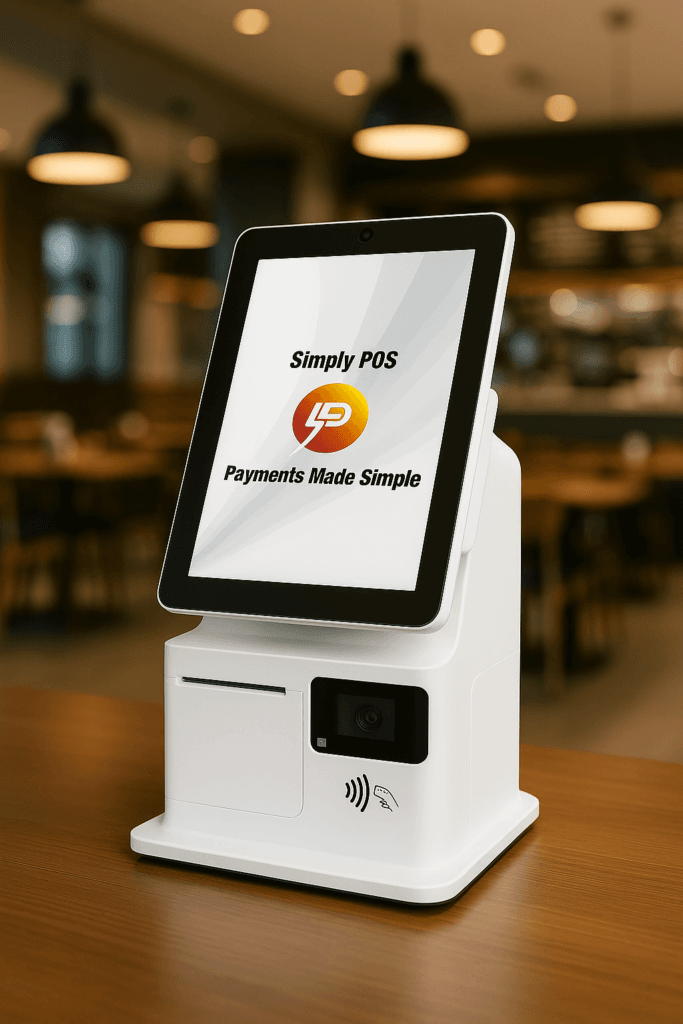
Avoiding these common mistakes when choosing kiosk solutions sets your business up for smooth operations, happy customers, and room to grow. Opt for providers like Simply POS who understand New Zealand’s business landscape, value integration and service, and can support you every step of the way.
Ready to upgrade? Take your time, ask the right questions, and choose a kiosk solution that supports your business goals now and as you grow.